The Story
LAUNCH X431 i-TPMS TPMS PROGRAMMING TOOL

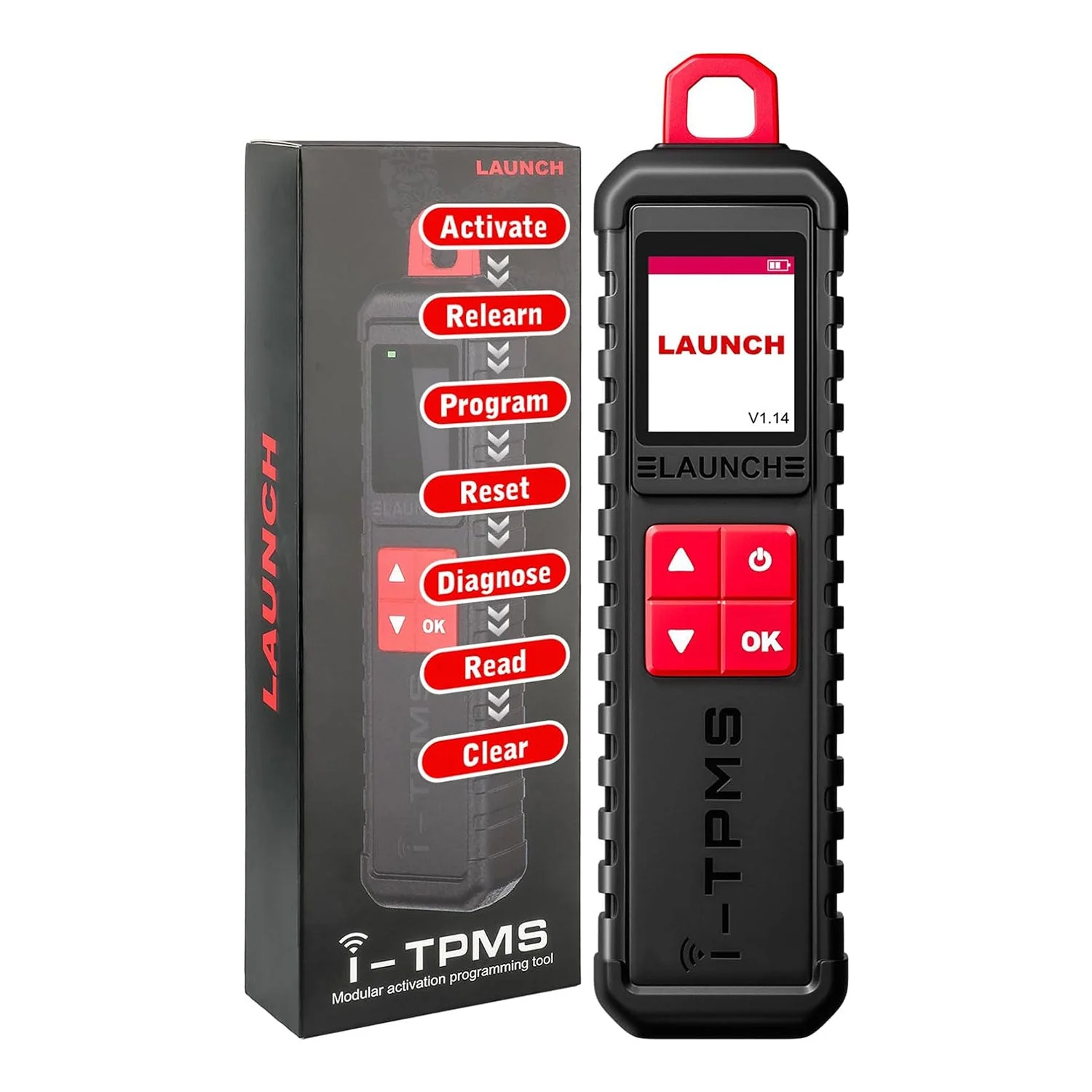
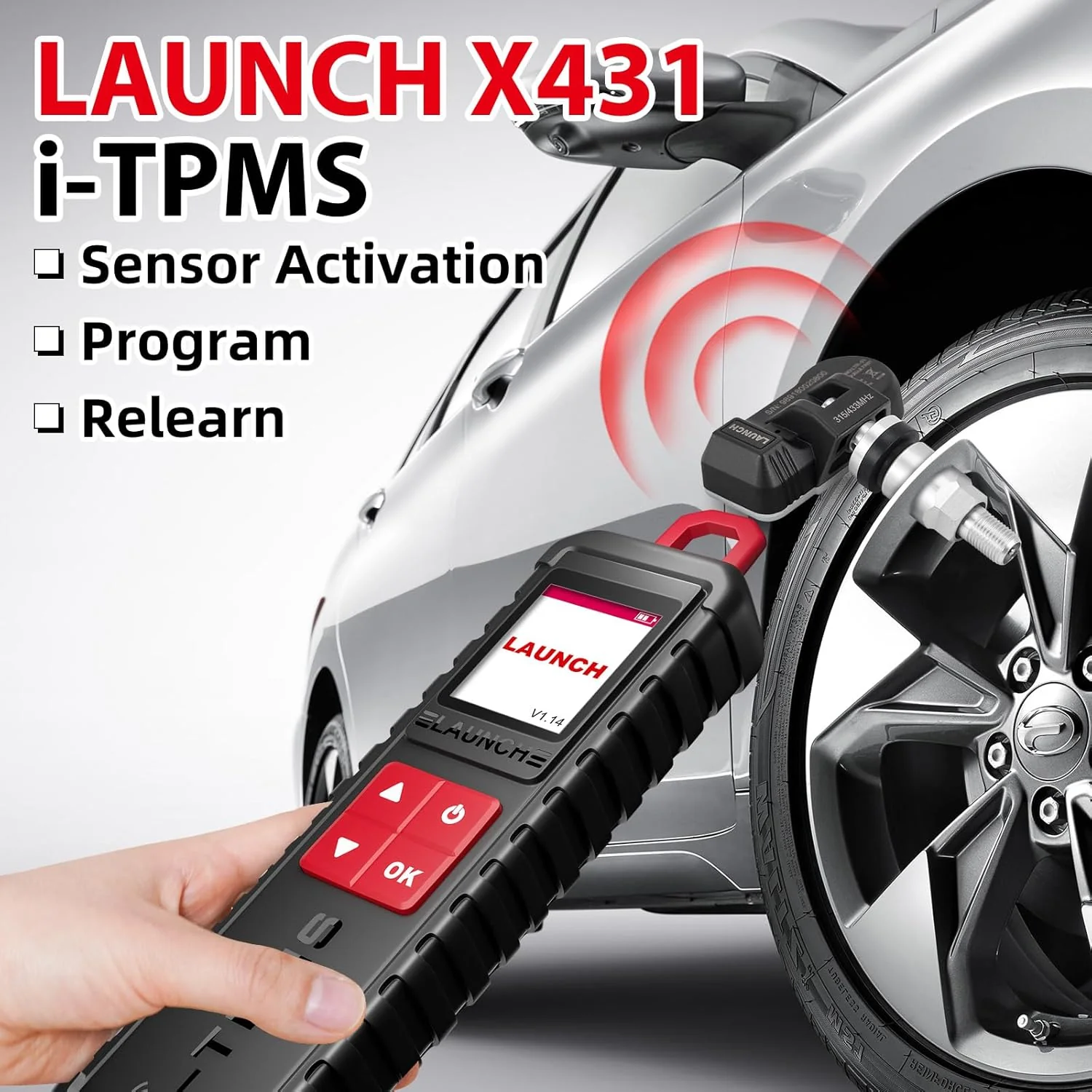
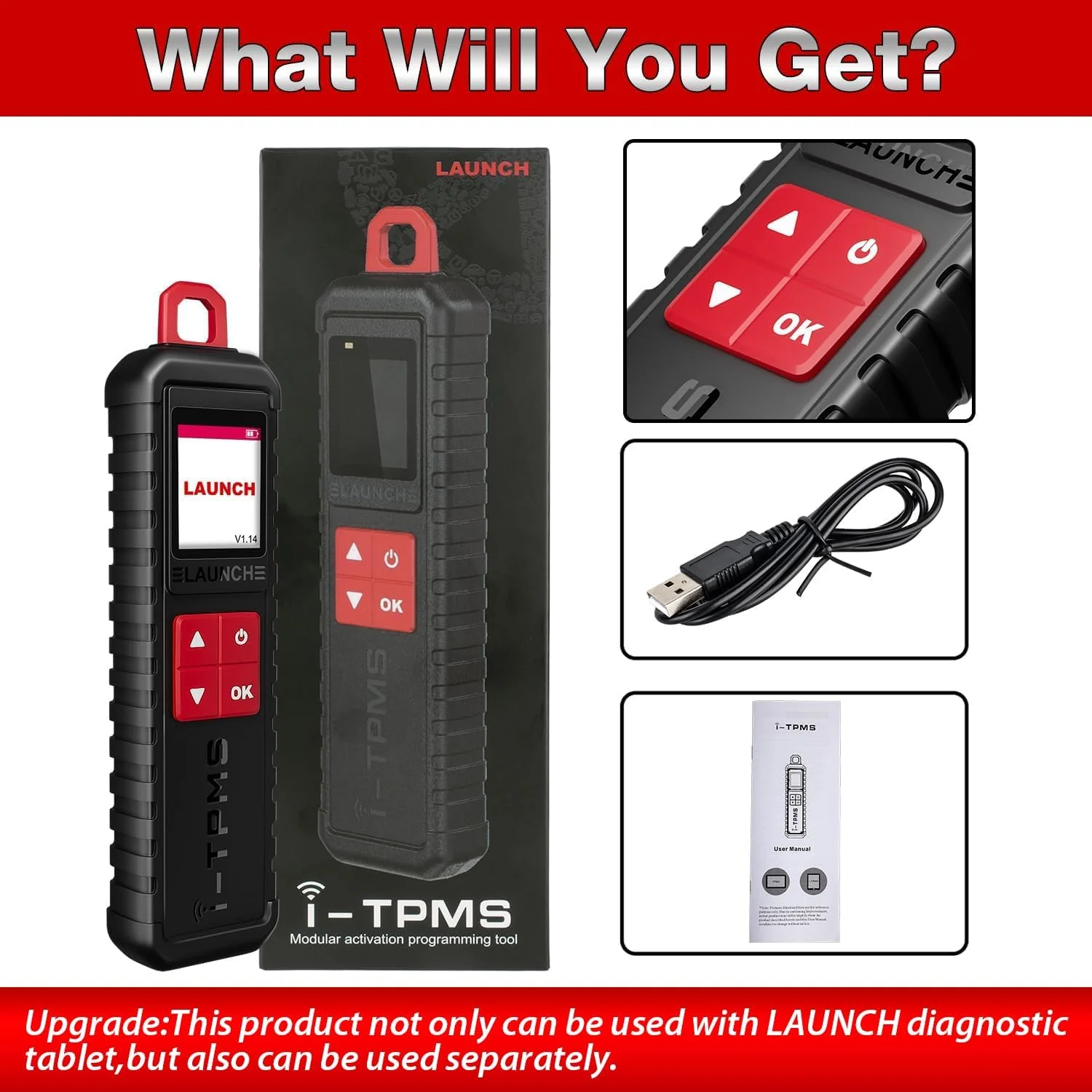
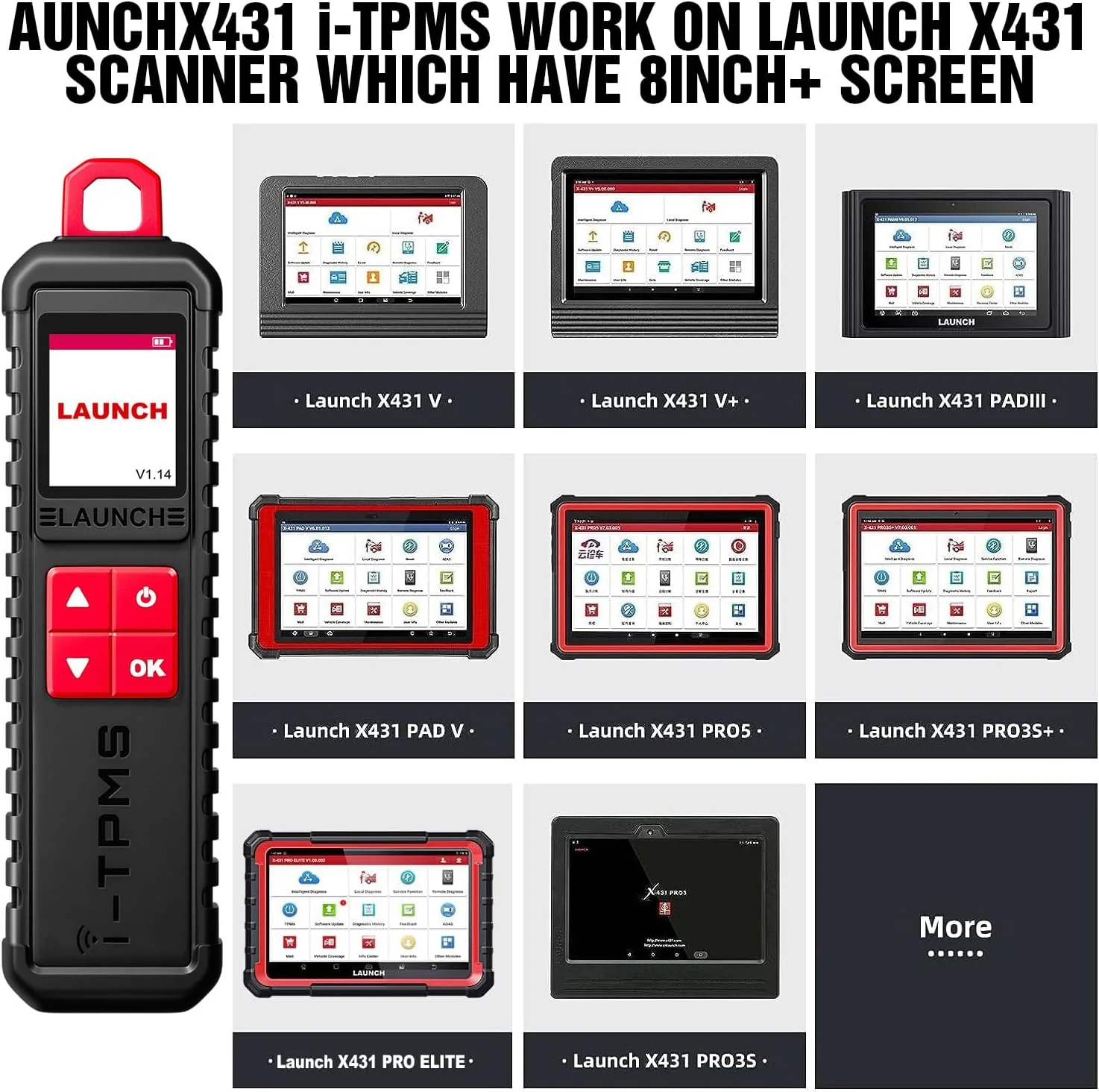
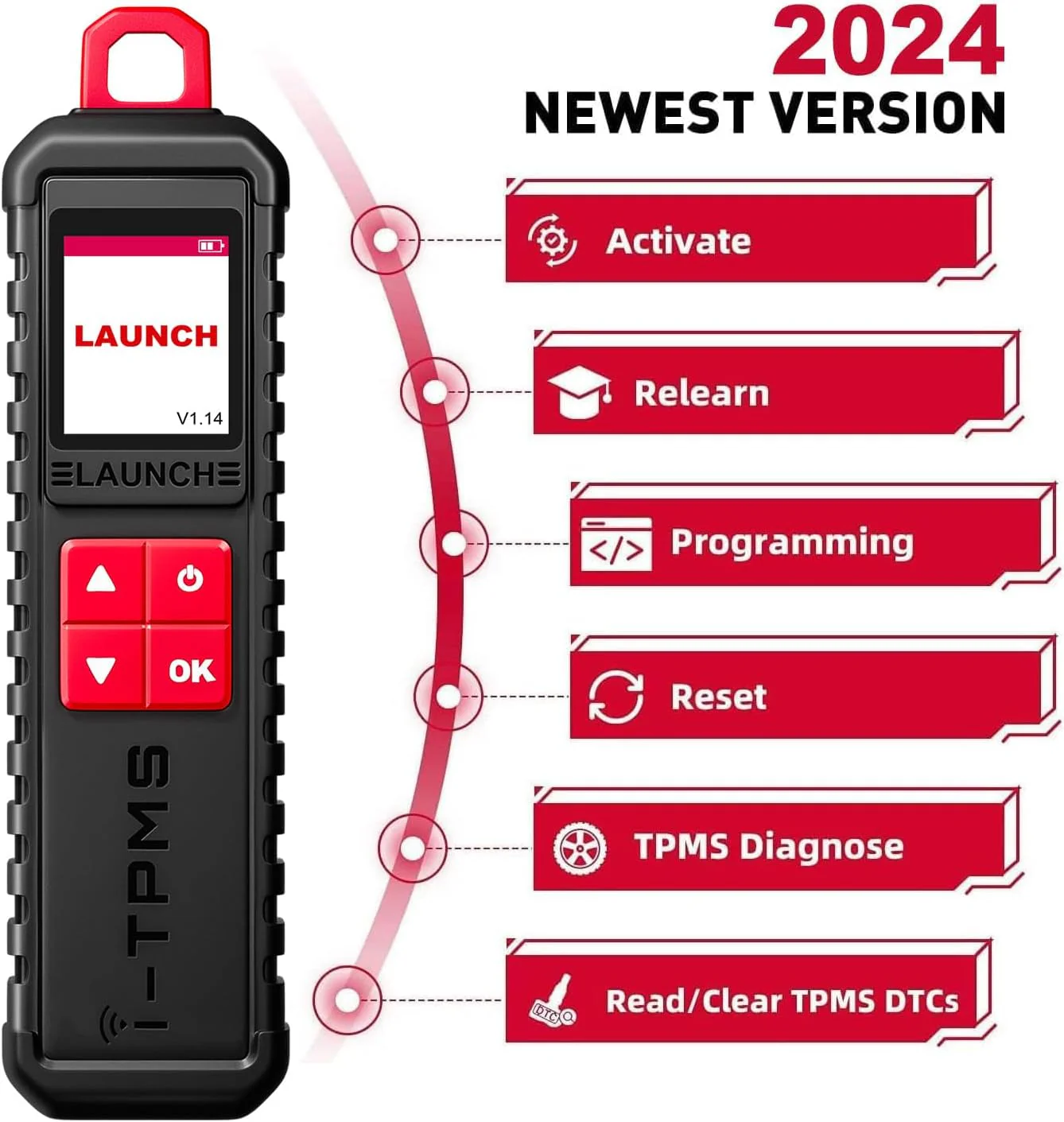
2024 LAUNCH X431 i-TPMS is the upgrade of x431 tsgun,it supports all of the function of x431 ts gun such as TPMS Active/Relearn/Programming Tool can program launch sensors 315 MHz and 433 MHz.(PS: Only can program launch sensors) , It also works standalone via tpms app.(Only for Android System)
What is the Difference Between 2024 LAUNCH x431 i-TPMS and previous x431 tsgun?
1.They are all support 315/433MHz sensors's activation,programming,relearning and diagnosis.
2.Difference 1: The original x431 tsgun must be conbine with the x431 series scanners,while the 2024 launch x431 i-TPMS can work standalone via i-tpms app in your Android phone.
3.Difference 2:x431 i-TPMS can not only be selected by car brand and model but can be selected by OE part number directly and faster,while the tsgun can only support be selected by car brand and model.
4.Difference 3:x431 i-TPMS support multiple online repair resources including Operating Skills,DTC Help,Tech Handbook,Repair Case,Tire Pressure Maintenance Database for you to diagnostic and repair.
2024 LAUNCH X431 i-TPMS Tire Pressure Detector, Activate/Relearn/Program Sensors

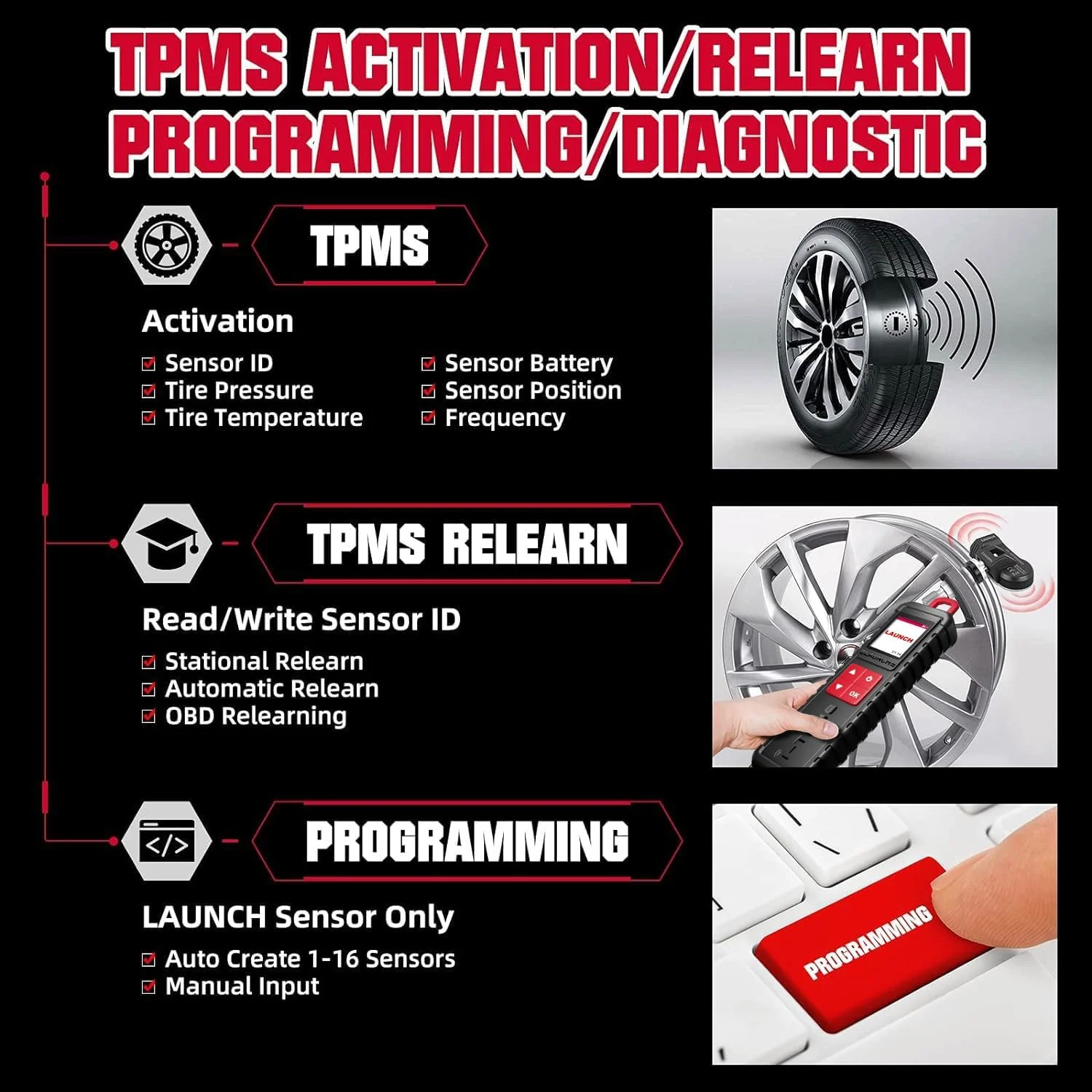
Complete TPMS Functions:
Activates all universal TPMS sensors.
Reads sensor data including sensor ID, tire pressure, temperature, battery condition ect.
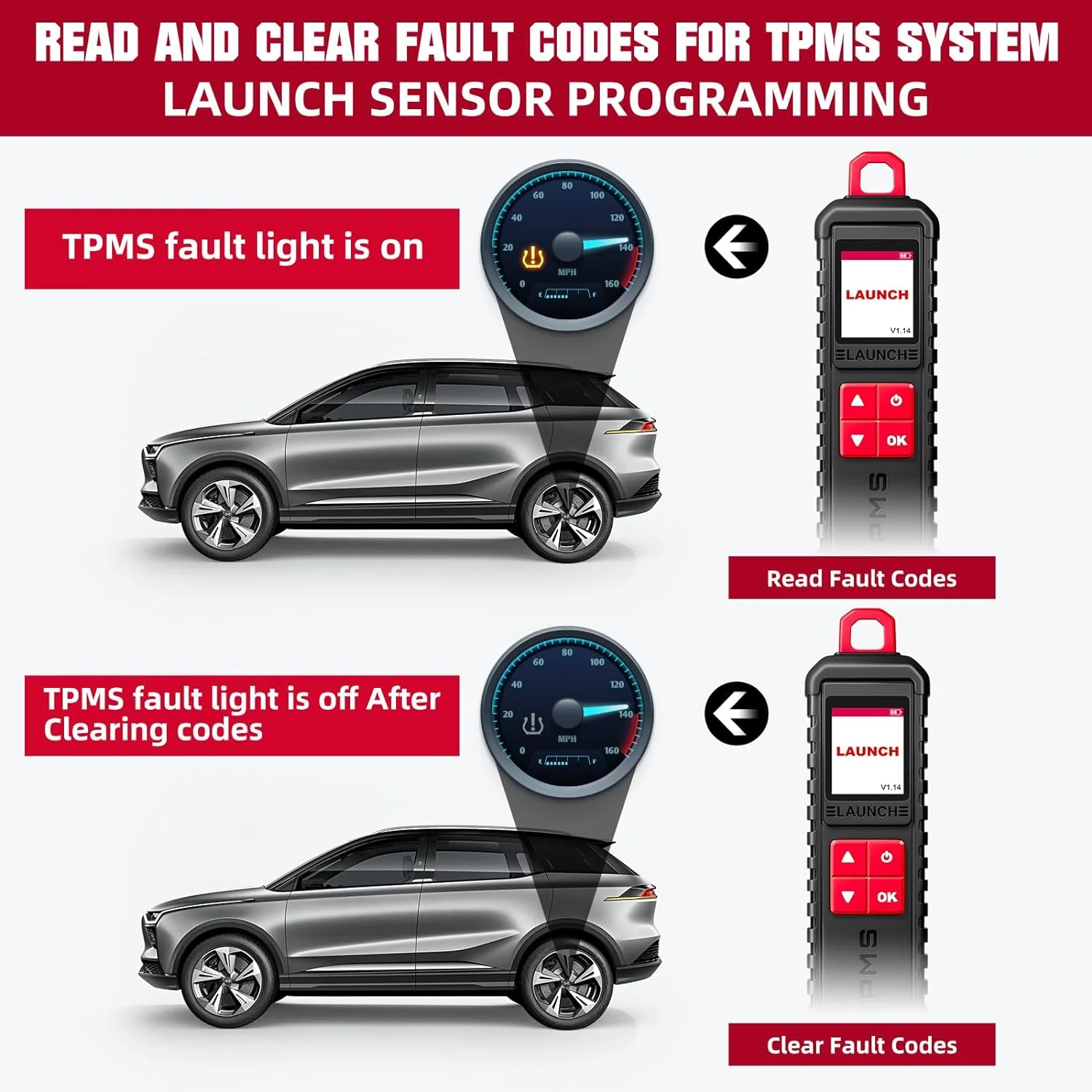
Read/Clear fault codes for tpms system, allows you clearly view the status of all TPMS sensors, and compare sensor and ECU data to instantly pinpoint system faults;
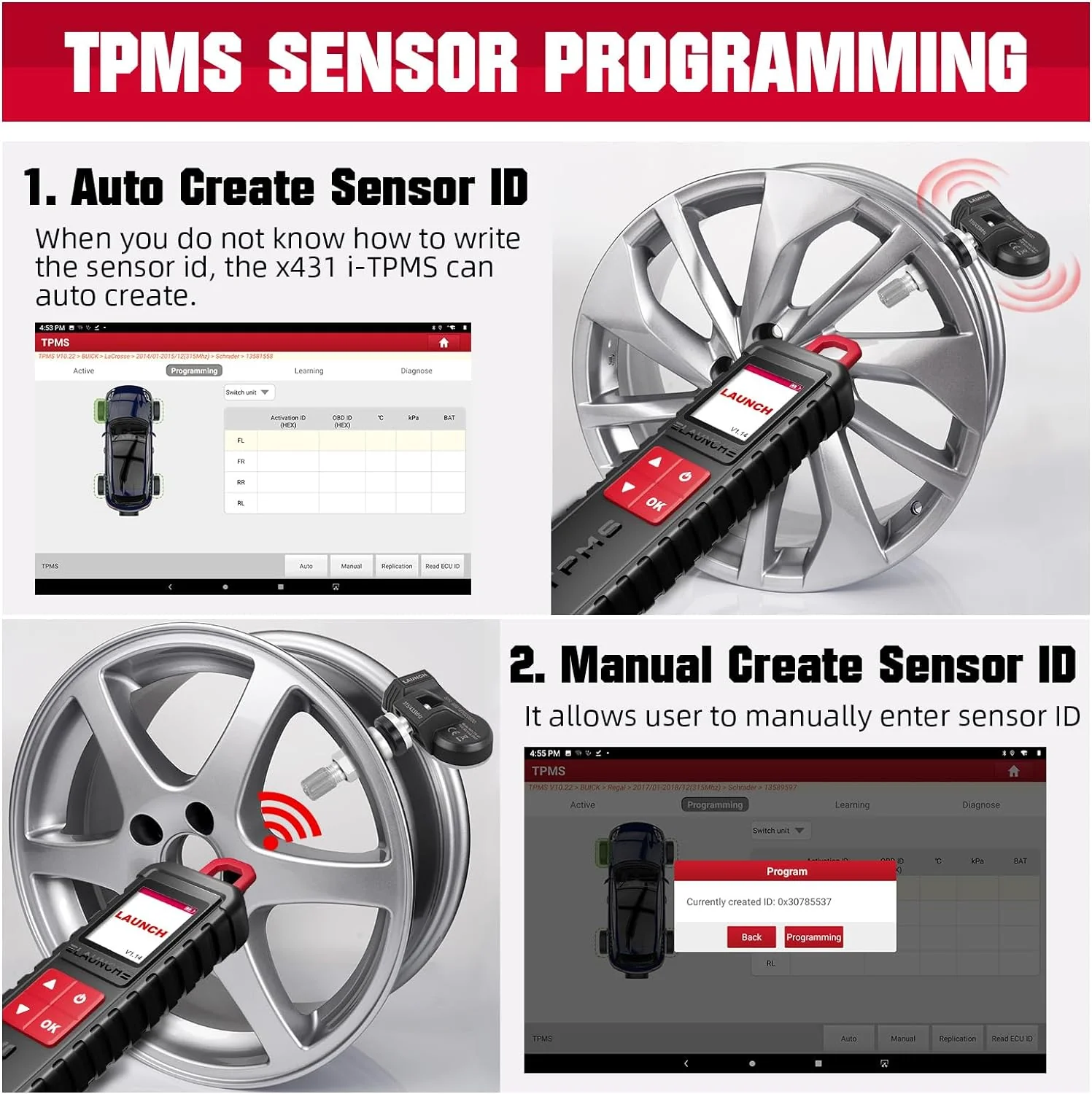
4 Modes to Program Launch Scanner:
Auto Create : user can generate the sensor ID by click auto button
Manual Input : x431 tsgun support manually input the original ID or other ID.
Copy by OBD: it needs to connect OBD cable to retrieve the sensor ID from the ECU.
Copy by Activation: it requires activate the original sensors first.
3 Ways to Relearn Sensors:
Stationary Relearn requires the vehicle be placed in the learning mode, and the follow the on-screen prompts to complete it.
Automatic Relearn, for some vehicles, can be completed by driving. Refer to the on-screen learning steps to do the operation.
OBD Relearn directly writes TPMS sensor IDs to the TPMS module via the OBD connector.To perform relearn by OBD, firstly activate all sensors, and then use the diagnostic tool together with the included VCI to complete the learning steps following the on-screen instructions.
Details & Craftsmanship
Every detail has been carefully considered to bring you the perfect product.
Details & Craftsmanship
Every detail has been carefully considered to bring you the perfect product.
Details & Craftsmanship
Every detail has been carefully considered to bring you the perfect product.
Details & Craftsmanship
Every detail has been carefully considered to bring you the perfect product.
Details & Craftsmanship
Every detail has been carefully considered to bring you the perfect product.
Details & Craftsmanship
Every detail has been carefully considered to bring you the perfect product.
Details & Craftsmanship
Every detail has been carefully considered to bring you the perfect product.
Description
LAUNCH X431 i-TPMS TPMS PROGRAMMING TOOL
2024 LAUNCH X431 i-TPMS is the upgrade of x431 tsgun,it supports all of the function of x431 ts gun such as TPMS Active/Relearn/Programming Tool can program launch sensors 315 MHz and 433 MHz.(PS: Only can program launch sensors) , It also works standalone via tpms app.(Only for Android System)
What is the Difference Between 2024 LAUNCH x431 i-TPMS and previous x431 tsgun?
1.They are all support 315/433MHz sensors's activation,programming,relearning and diagnosis.
2.Difference 1: The original x431 tsgun must be conbine with the x431 series scanners,while the 2024 launch x431 i-TPMS can work standalone via i-tpms app in your Android phone.
3.Difference 2:x431 i-TPMS can not only be selected by car brand and model but can be selected by OE part number directly and faster,while the tsgun can only support be selected by car brand and model.
4.Difference 3:x431 i-TPMS support multiple online repair resources including Operating Skills,DTC Help,Tech Handbook,Repair Case,Tire Pressure Maintenance Database for you to diagnostic and repair.
2024 LAUNCH X431 i-TPMS Tire Pressure Detector, Activate/Relearn/Program Sensors
Complete TPMS Functions:
Activates all universal TPMS sensors.
Reads sensor data including sensor ID, tire pressure, temperature, battery condition ect.
Read/Clear fault codes for tpms system, allows you clearly view the status of all TPMS sensors, and compare sensor and ECU data to instantly pinpoint system faults;
4 Modes to Program Launch Scanner:
Auto Create : user can generate the sensor ID by click auto button
Manual Input : x431 tsgun support manually input the original ID or other ID.
Copy by OBD: it needs to connect OBD cable to retrieve the sensor ID from the ECU.
Copy by Activation: it requires activate the original sensors first.
3 Ways to Relearn Sensors:
Stationary Relearn requires the vehicle be placed in the learning mode, and the follow the on-screen prompts to complete it.
Automatic Relearn, for some vehicles, can be completed by driving. Refer to the on-screen learning steps to do the operation.
OBD Relearn directly writes TPMS sensor IDs to the TPMS module via the OBD connector.To perform relearn by OBD, firstly activate all sensors, and then use the diagnostic tool together with the included VCI to complete the learning steps following the on-screen instructions.